

Cloud migration is one of those initiatives that sounds exciting in the boardroom and terrifying in the server room. On paper, it’s transformation, but in practice, it’s tangled dependencies, unexpected costs, nervous stakeholders, and the quiet fear of breaking something mission-critical.
If you’re planning a cloud migration journey, or cleaning up after a messy one, this guide is for you.
Let’s walk through practical steps that make the journey simpler, safer, and more predictable.
What is the cloud migration journey?
Your cloud migration journey is a planned process for moving your apps, data, and systems from on-site servers to the cloud. The main goal is to give you better speed, more flexibility, stronger security, and tighter cost control.
First, you review your current environment and decide which workloads make sense to move first. Then, you choose the best migration path, whether that means lift and shift, modernizing apps, or rebuilding them for the cloud.
Next, your team transfers data, checks performance, improves security, and rolls everything out in the new setup.
Still, the work doesn’t end after launch. You also need ongoing monitoring, cost tracking, and regular updates to get the most from your cloud investment. In short, the cloud migration journey isn’t just a system move, it’s a structured change that helps your business grow and respond faster.
Let’s go through the steps you need to take to make the journey simpler.
Step 1: Start Thinking Modernization
The biggest mistake organizations make? Treating cloud migration like a simple lift-and-shift relocation project.
Cloud isn’t just a new data centre; it’s a new operating model.
Before you move anything, shift your mindset from migration to modernization. Don’t start with “What can we move?”
Start with “What are we trying to improve?” Are you aiming to cut infrastructure costs? Scale faster during peak demand? Support AI workloads? Improve uptime and resilience? Speed up product releases? Clarify the business outcome first, because cloud architecture, tooling, and spend should flow from that decision.
If you skip this step, you risk recreating old inefficiencies in a more expensive environment.
Practical Action: Write a one-page Cloud Intent Brief that clearly outlines:
- Business objectives
- Success metrics (cost reduction %, deployment speed, uptime gains)
- What done looks like in 12–24 months
If you can’t explain your cloud intent on one page, you’re not ready to migrate.
Step 2: Inventory Everything (Yes, Everything)
You can’t move what you haven’t fully mapped.
Most IT environments are more tangled than they seem. You likely have legacy apps with no clear owner, shadow IT tools running out of sight, and hidden links between systems that fail the moment one-part changes. On top of that, duplicate infrastructure and aging workflows may look outdated, yet they still support core business operations.
If you skip discovery, your cloud migration journey can slow down fast. In some cases, it won’t fail loudly. Instead, it gets buried under technical debt you didn’t catch early.
So, before you discuss vendors or lock in timelines, get a clear view of what you actually have. Modernization starts when you can see the full picture.
Practical Action: Build a Migration Inventory Map
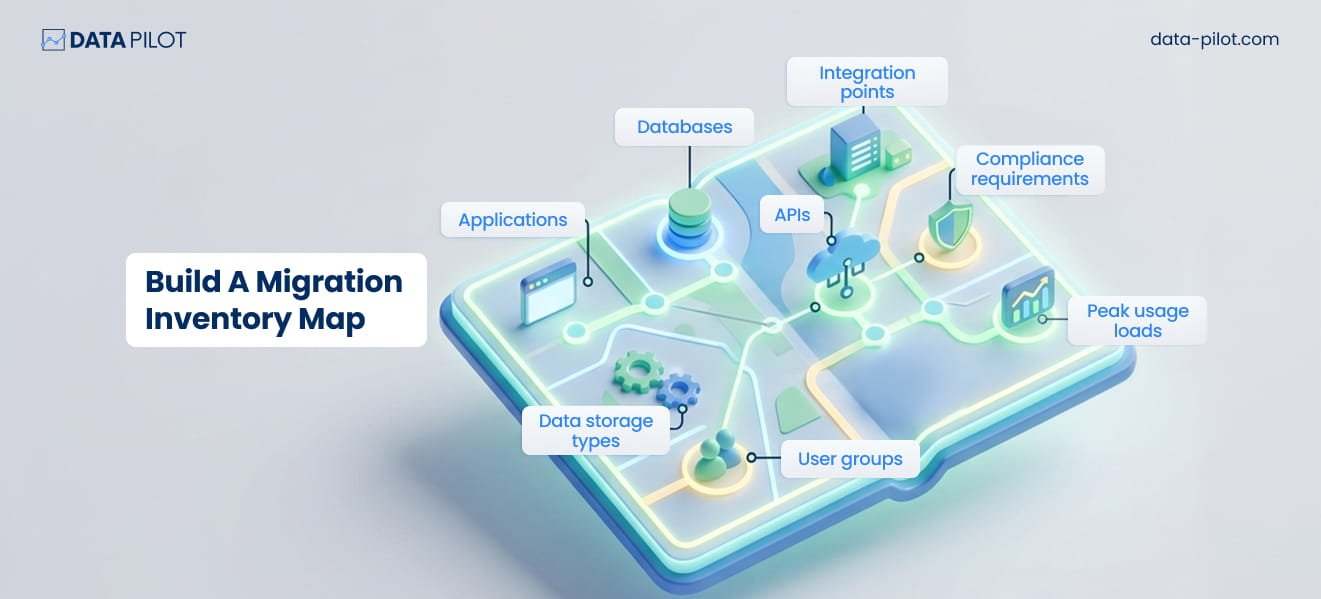
Document all of it:
- Applications
- Databases
- APIs
- Integration points
- Data storage types
- Compliance requirements
- User groups
- Peak usage loads
Next, sort each workload into one of five groups:
- Retain (leave it as is)
- Retire, (remove what you no longer need)
- Rehost (move it with a lift-and-shift approach)
- Refactor (redesign it for cloud-native use)
- Replace (switch to SaaS)
According to Data Stack Hub, when optimized, migrations typically yield 20–35% cost reduction vs. legacy run-rate.
Step 3: Fix Governance Before You Scale Chaos
Here’s the hard truth: the cloud makes your strengths more visible, and it exposes your weak spots even faster.
If your current setup includes poor data governance, uneven access controls, unclear ownership, or weak documentation, the cloud won’t solve those problems. It will make them bigger.
Practical Action: Start with clear governance basics.
Before you move anything, assign data owners and application owners. Then set access control policies, standardize naming rules, document backup policies, and put security guardrails in place.
If you skip this work, your cloud costs can rise fast, and your security risk can grow just as quickly.
Step 4: Choose the Right Migration Strategy
You have six common migration paths, often grouped as the 6 Rs:
- Rehost
- Replatform
- Refactor
- Repurchase
- Retire
- Retain
The problem starts when you use one approach for every workload in your cloud migration journey.
For example, your CRM may be a better fit for SaaS. At the same time, your custom analytics engine might need a refactor. Meanwhile, your stable internal HR system may only need a simple rehost.
Practical Action: Build a workload decision matrix.
Score each system by:
- business criticality
- technical complexity
- cost to modernize
- risk tolerance
- AI-readiness needs
Then match the migration strategy to each workload, not to the whole organization.
Step 5: Clean Your Data Before Moving It
The last thing you want during your cloud migration journey is to find:
- Duplicate records
- Corrupt data
- Mismatched schemas
- Compliance issues
Yet many teams don’t catch these problems until the move is already in progress.
If you send bad data to the cloud, you end up spending more to store data you shouldn’t keep.
Practical Action: Run a data hygiene sprint before migration.
Before you move anything:
- Remove duplicates
- Archive old records you no longer need
- Check that data formats are valid
- Review compliance risks
- Cut redundant storage
This lowers the amount of data you migrate and helps reduce risk later.
Also Read: A Practical Guide to Data Quality Management
Step 6: Build Cost Visibility Before the First Workload Moves
Cloud doesn’t cut costs on its own. It changes how you pay.
With on-prem, spending is capital-heavy and usually easier to predict. In the cloud, costs shift to an operating model, tied to usage, and they can change fast.
Because of that, many teams spend too much in the first year. The problem usually isn’t the platform, it’s weak cost control.
Practical Action: Set cost guardrails before you move.
Before migration, you should:
- Set clear tagging standards
- Turn on budget alerts
- Build cost allocation rules for each department
- Define scaling policies
- Choose reserved or on-demand pricing with care
Also, put one person in charge of cloud financial management. Not everyone, one accountable owner.

Step 7: Migrate in Waves
A big-bang move may look dramatic, but it also brings more risk.
A better path for your cloud migration journey is to move in phases:
- Wave 1 covers low-risk workloads
- Wave 2 handles medium-complexity systems
- Wave 3 moves mission-critical applications
Practical Action: With each wave, you should test governance, check performance, tighten your process, and improve your documentation.
As a result, every phase gives you a better base for the next one.

Step 8: Design for Resilience, Not Just Performance
Cloud systems break in ways your on-prem setup never did.
You have to watch for misconfigured IAM roles, overly broad access policies, exposed APIs, and storage buckets with the wrong settings.
That’s why your cloud migration journey gives you a chance to build security in from the start.
Practical Action: Here is how to start:
- Use a zero-trust access model
- Set clear role-based access control
- Encrypt data at rest and in transit
- Automate backups
- Test disaster recovery on a regular basis
If you wait until later, security gaps are much harder to fix. Build them in on day one.
Step 9: Upskill Your Team (Or Prepare for Dependency)
Cloud migration shifts what your team owns day to day.
As you move through your cloud migration journey, your infrastructure team takes on new work. They become automation engineers, cost optimizers, security architects, and integration specialists.
If you don’t build those skills in-house, you risk long-term dependence on outside vendors.
Practical Action: Create a Cloud Capability Plan.
- Identify skill gaps
- Offer training or certifications
- Update roles and responsibilities
- Build cross-functional teamwork
Technology moves quickly, so your team’s capabilities need to keep pace.
Step 10: Don’t Migrate Without an AI Vision
This is where many plans break down.
If you’re building toward AI models, predictive analytics, intelligent automation, or real-time decision systems, your cloud architecture needs to be ready from the start.
That means high-performance data pipelines, scalable storage, clean metadata management, real-time ingestion, and governance that can grow with you.
If AI is part of your cloud migration journey, even two or three years out, plan for it now.
If you wait and try to bolt on AI readiness later, you’ll pay more for it.
Step 11: Document Everything
Cloud systems change fast, especially during your cloud migration journey.
Without clear documentation:
- You lose team knowledge
- Security gaps grow
- Audits take more time and cause more stress
- Growth gets harder to manage
Practical Action: Keep your documentation live and up to date:
- Architecture diagrams
- Data flow maps
- Access logs
- Change history
- Version control policies
Documentation isn’t red tape. It helps you move faster and make better decisions.
Step 12: Measure Post-Migration Success
Your migration isn’t done when you move workloads. It’s done when results get better.
As you move through your cloud migration journey, track what changed:
- Infrastructure costs compared to your baseline
- Deployment speed
- Incident frequency
- Uptime gains
- Team productivity
- AI testing and experimentation speed
If you can’t show clear improvement, you didn’t migrate for impact, you migrated for optics.
Common Pitfalls to Avoid
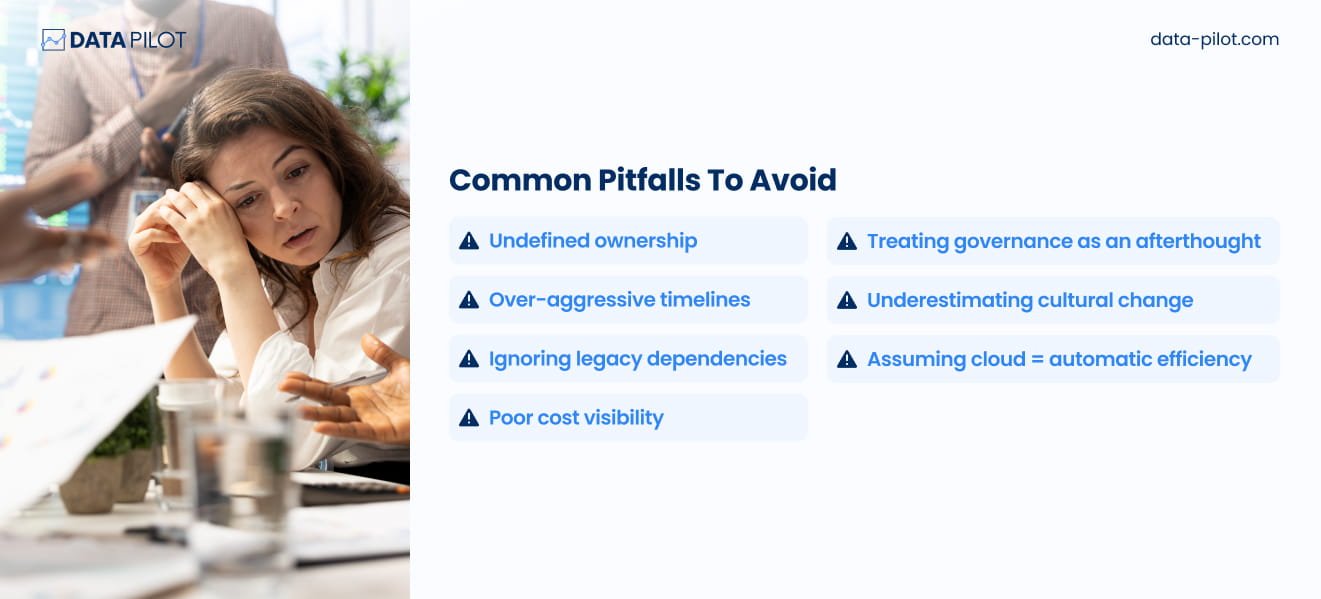
Let’s keep it practical. What throws off your cloud migration journey is usually the same set of problems:
- No clear ownership
- Timelines that push too hard
- Legacy dependencies that get ignored
- Weak cost visibility
- Governance treated like a side issue
- Cultural change that gets brushed aside
- The belief that cloud automatically makes you efficient
Cloud makes gaps in discipline easier to see. It doesn’t fix them for you.
The Simpler Way to Think About Migration
Instead of asking, “How fast can you move?”
Ask, “How ready is your foundation?”
Your cloud migration journey gets easier when:
- Your data architecture is clean
- Your governance model is clear
- Your cost structure is easy to track
- Your AI roadmap has a clear purpose
- Your team has the right skills and alignment
Once those pieces are in place, cloud migration becomes a smart business move, not a high-risk bet.
Final Thought: Migration Is a Maturity Test
Cloud doesn’t make you mature, it reveals how mature you already are.
If your cloud migration journey goes well, you usually have a few things in place:
- Clear ownership of data
- Set standards
- Executive buy-in
- Goals you can measure
- A structured way to assess what needs work
If it goes off track, the problem is usually simple, you’re trying to move faster than your infrastructure can support.

Migration doesn’t have to be chaotic.
But it does require discipline before velocity.
And that’s what ultimately makes the journey simpler.